🔔 Read us on Telegram — don’t miss the latest automotive news → t.me/motorhub_en
Rivian’s decision to skip Apple CarPlay and Android Auto has frustrated buyers, with 39% of car shoppers in a recent American Trucks survey calling the omission a deal-breaker. The automaker isn’t alone—General Motors also pulled the plug on the feature, and Tesla is only now reconsidering its stance. Rivian’s Chief Software Officer, Wassym Bensaid, argues that the shift toward AI-defined vehicles makes traditional screen-mirroring tech obsolete.
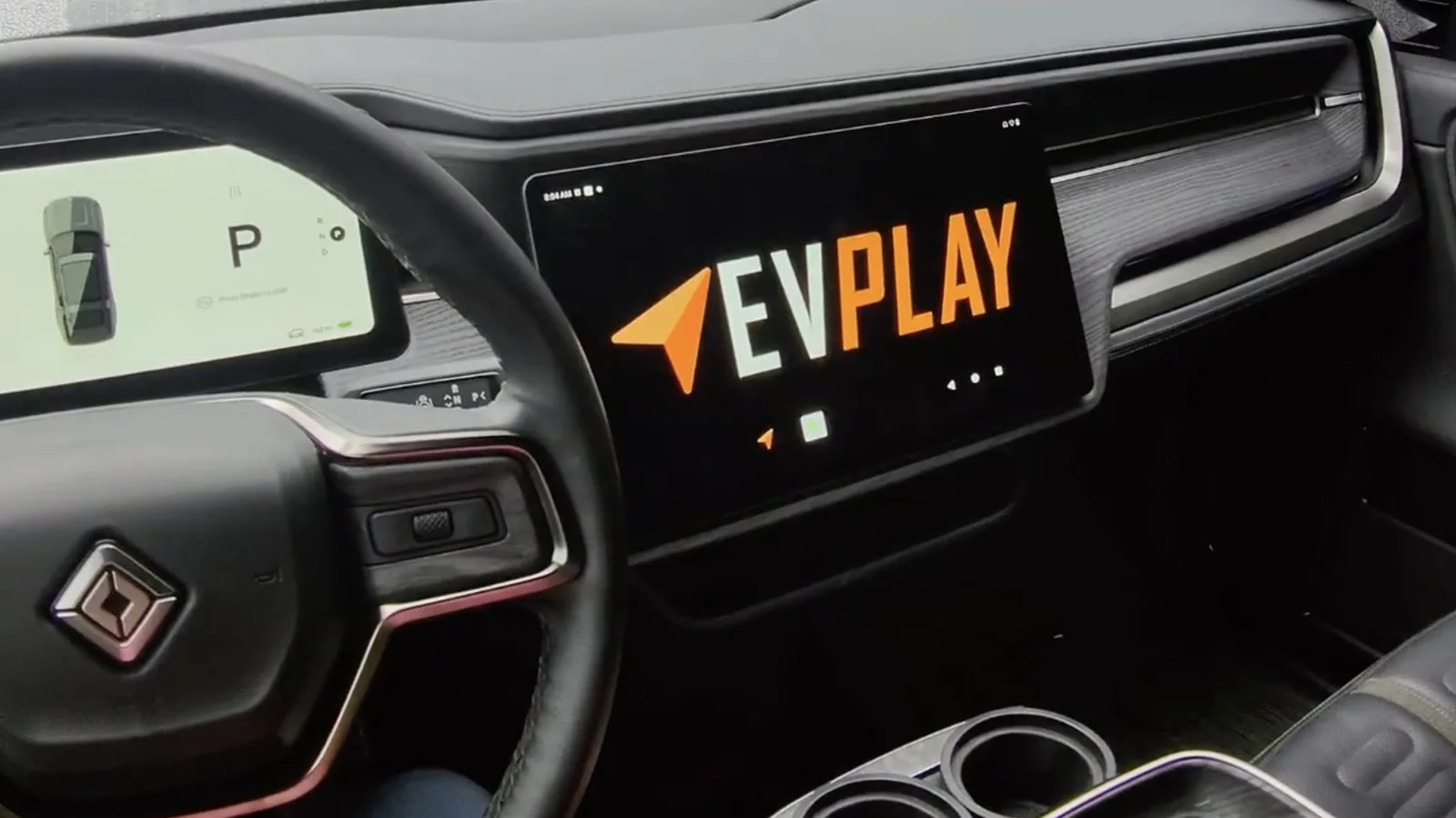
He points to a drop in customer demand, from 70% initially requesting CarPlay to just 25% today, as proof that the debate is fading. Still, for the quarter of Rivian owners who want smartphone integration, an aftermarket fix is available. EV Play’s $425 adapter promises to bring Apple CarPlay and Android Auto to Rivian’s EVs, though installation isn’t plug-and-play.
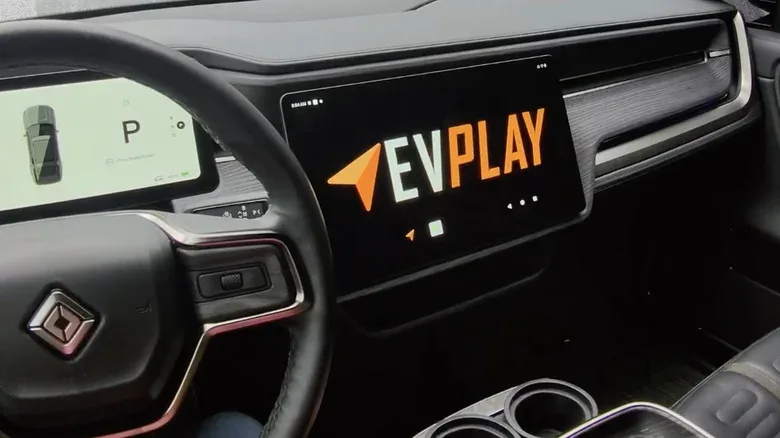
The process takes about 45 minutes on average and requires removing the passenger-side footwell cover to access the infotainment control unit. EV Play provides two cables—an all-black one and a black-purple one—for connecting to the infotainment system. Power setup differs between Gen 1 (2022–2024) and Gen 2 (2025+) models: Gen 1 uses fuse taps, while Gen 2 requires wiring to the CAN bus connectors in a specific order.
After connecting everything, rebooting the infotainment system activates CarPlay or Android Auto, either wired or wirelessly. EV Play assures buyers that proper installation won’t void the warranty, though Rivian could deny coverage if the device is installed incorrectly and causes electrical shorts.
📱 Follow our Telegram channel for daily updates
Source: Jalopnik (Auto Culture & Tuning) (jalopnik.com)